Type a theme (like “a brave little rabbit” or “a dragon who loves cookies”) and get a 6-page illustrated storybook with SVG artwork, page-by-page navigation, and six language options. MuleRun Chat built this free AI storybook generator from a single conversation prompt.
How Does Story Writing Using Hints Work in This AI Generator?

You type a theme into the input field, anything from “a dragon who loves cookies” to “friends in the forest.” The generator takes that hint and produces a complete 6-page storybook with original illustrations, narrative text for each page, and a satisfying ending. Each story follows a classic arc: introduction, discovery, challenge, resolution.
- Type your hint: enter any theme, character, or scenario in the text field
- Click Generate: the AI writes a 6-page story with illustrations matching each scene
- Read and share: navigate pages with arrows, then share the link with anyone
What Story Starters for Kids Does the Generator Include?
The app comes with six preset story starters for kids built in, so children who are unsure what to write about can pick a theme and see a story instantly:
- A brave little rabbit: a garden adventure with a magical discovery
- A dragon who loves cookies: a sweet-toothed dragon story
- A star that fell to earth: a cosmic journey to find home
- A kitten at sea: an ocean adventure with a tiny cat
- A dancing penguin: a story about finding your rhythm
- Friends in the forest: woodland creatures learning teamwork
Each preset fills the input field with a single phrase. Kids can also type their own theme from scratch, and there is no limit on what story writing using hints can produce.
How One Prompt Built the Entire App
MuleRun Chat built this entire storybook generator from one prompt: “Create an AI-powered children’s storybook generator web app. The user enters a theme and the app generates a complete illustrated storybook with 6 pages.” The output includes the input form, preset buttons, SVG illustration engine, page navigation, multi-language support (6 languages), and responsive design.
Short Story Examples: What the Generator Produces
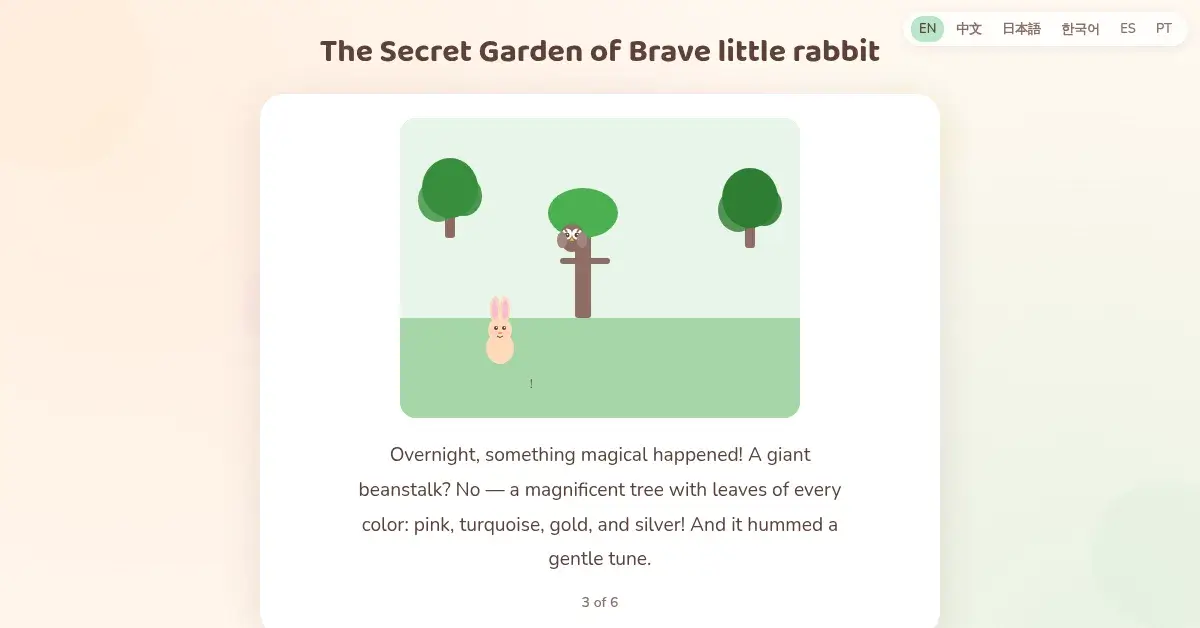
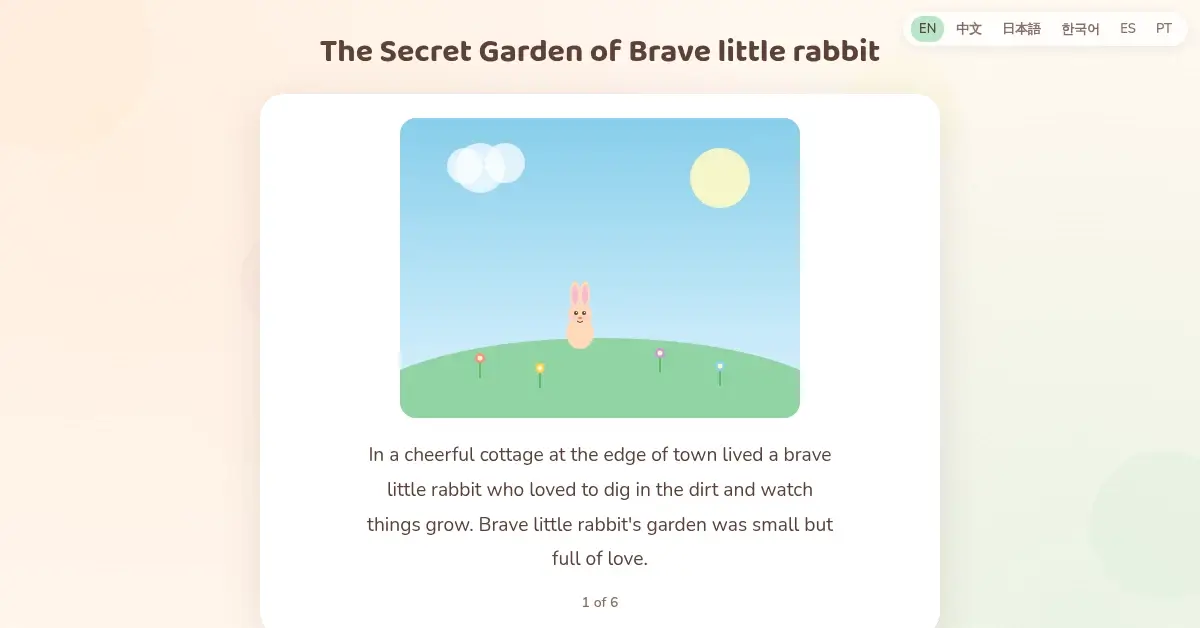
Each generated story is a short story example with a beginning, middle, and end spread across 6 pages. The “brave little rabbit” theme produced: page 1 introduces the character and setting, page 2 presents a discovery (a golden seed), page 3 shows something magical growing, pages 4-5 escalate the adventure, and page 6 delivers a moral (“when you share something beautiful, it multiplies”). Every story includes custom SVG illustrations matching the narrative.
What Makes This Better Than Traditional Story Writing Exercises?
| Feature | Traditional Prompts | AI Story Generators | This Tool |
|---|---|---|---|
| Output | Student writes from scratch | Plain text story | 6-page illustrated storybook |
| Illustrations | None (student draws) | AI images (slow, paid) | Instant SVG art per page |
| Cost | Free (worksheet) | $5-20/month | Free, no sign-up |
| Shareability | Paper only | PDF download | Live URL, any device |
| Story starters | Teacher provides list | User types prompt | 6 presets + custom input |
How Does This Compare to Other AI Children’s Book Tools?
Most AI children’s book tools require accounts, charge per story, or output plain text without illustrations.
- Free with no sign-up: generate unlimited stories without creating an account or entering payment info
- Illustrated pages: each story includes 6 unique SVG scenes that render instantly
- Shareable link: the entire app lives at a URL you can send to kids, parents, or students
- Multi-language: supports English, Chinese, Japanese, Korean, Spanish, and Portuguese
- Preset hints: six story starters built in for kids who need book ideas to get started
Tools like Childbook.ai and StoryBee focus on generating one story at a time behind a login wall. This generator is an open web app anyone can use repeatedly.
Can You Use This for Bedtime Stories for Kids?
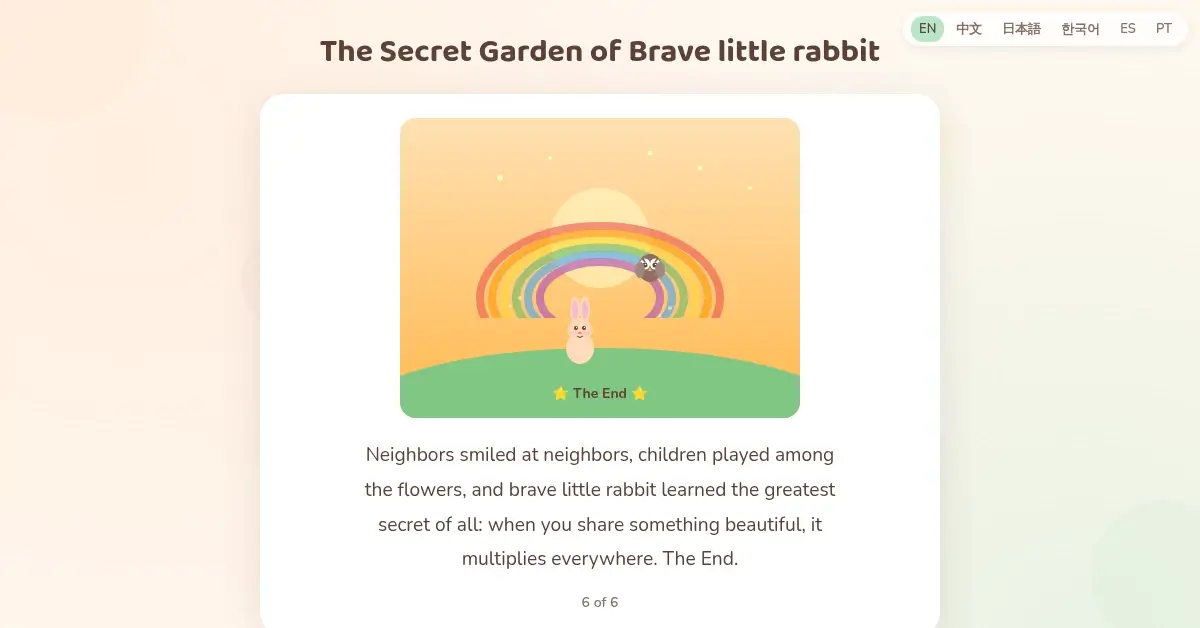
Parents searching for bedtime stories for kids can use this generator to create a fresh story every night. Type a theme based on your child’s interests (dinosaurs, space, underwater adventures) and read the 6-page result together. The page-by-page format mimics turning pages in a real picture book. Each story takes seconds to generate and includes a satisfying conclusion.
The stories are age-appropriate with gentle narratives and positive endings. Classic children’s stories follow a predictable structure (setup, conflict, resolution, moral), and this generator produces the same arc automatically from any theme hint.
Start Writing Stories with AI Today
Sign up for MuleRun Chat, describe the storybook generator you want to build, and share it with your class or family tonight.