
A retired teacher wanted a brain-training game her 72-year-old mother could actually enjoy. She typed one sentence into MuleRun Chat and got a playable Tetris with oversized blocks, a forgiving undo button, and controls large enough to tap without squinting. The whole game loaded in her browser — no downloads, no accounts, no ads.
MuleRun Chat is a general-purpose AI chat that builds web pages, games, tools, and documents from natural language prompts. You describe what you want, and it produces a working result you can use immediately. This Tetris adaptation for older players took one prompt and roughly thirty seconds to generate.
What Makes Tetris a Good Game for Old People?
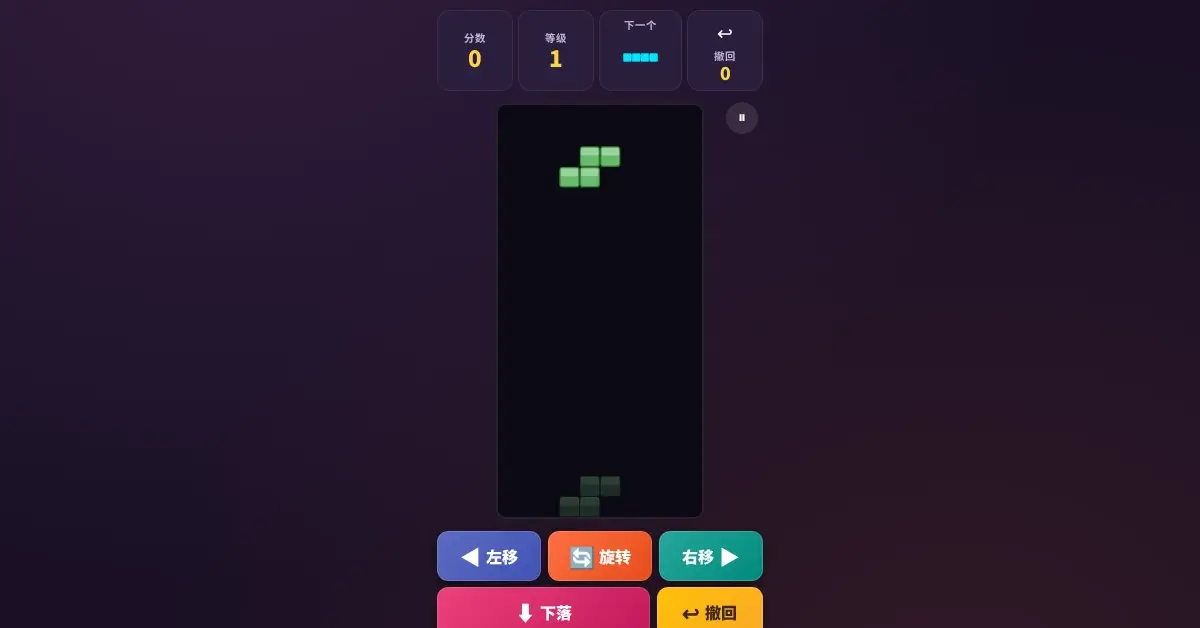
Standard Tetris moves fast. Pieces accelerate until even experienced players lose control within minutes. Games for old people need a different approach: enough challenge to engage the brain without the speed that causes frustration or anxiety.
This version solves that problem with three design changes that make it one of the most accessible easy games for seniors available today:
- Larger blocks: each piece occupies 26 pixels per cell instead of the standard 16-20, making shapes easy to see on any screen size
- Slower starting speed: level 1 drops pieces at half the rate of standard Tetris, giving players time to plan placement
- Undo button: three undo uses per game let players correct mistakes without restarting
The level system still provides progression. As players clear lines, speed increases gradually. But even at higher levels, the pace stays manageable because the baseline is so much slower than conventional versions.
How Does This Tetris Help With Puzzles for Seniors?
Tetris is fundamentally a spatial puzzle. You rotate and position seven different shapes to fill complete horizontal lines. That core mechanic exercises pattern recognition, forward planning, and spatial reasoning, which are the same cognitive skills that physical puzzles for seniors target.
Research on cognitive training in older adults consistently shows that spatial puzzle games maintain mental agility. The difference between physical jigsaw puzzles and digital Tetris is feedback speed: Tetris gives you an immediate result every time you place a piece. That instant feedback loop keeps the brain engaged without the multi-hour commitment of a 500-piece jigsaw.
Familiar Tetris Pieces, Gentler Pace
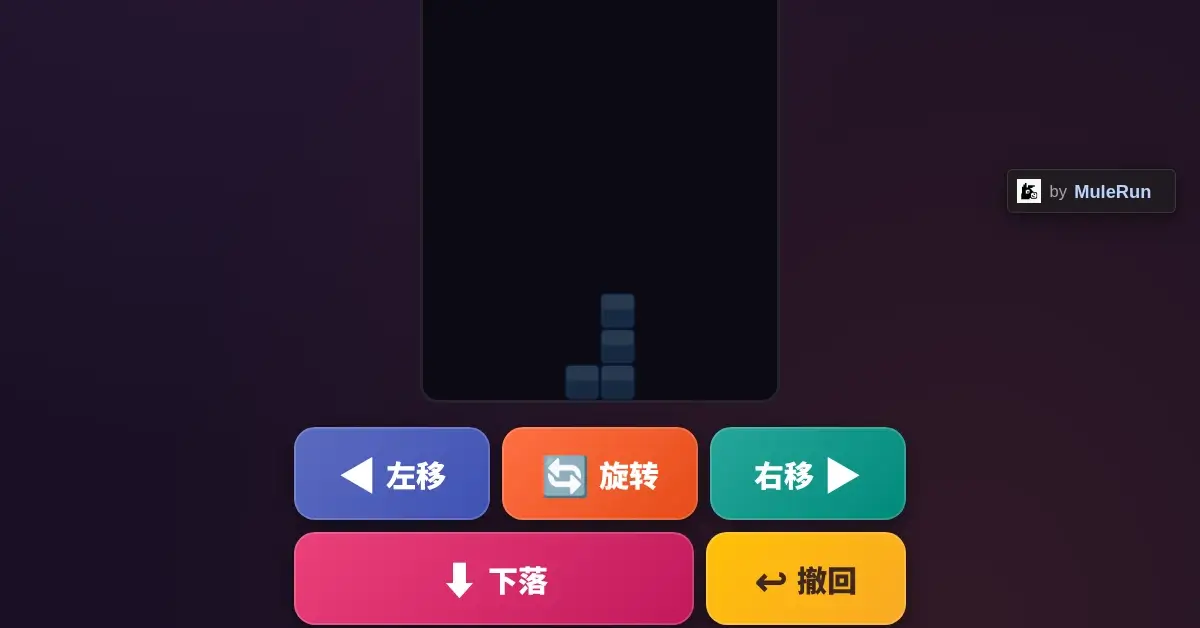
The game uses all seven standard tetris pieces: I, O, T, S, Z, J, and L shapes. Players who remember Tetris from decades ago will recognize every piece immediately. The next-piece preview window shows what comes next, letting players plan two moves ahead instead of reacting in panic.
Each piece appears in a distinct color, blue, yellow, purple, green, red, orange, and cyan, making identification possible even with reduced color vision. The dark purple background provides high contrast against every piece color.
Can You Play Free Tetris Online Without Downloading?
This game runs entirely in a web browser. No app store visit, no installation wizard, no storage space consumed on the device. Open the link, tap start, and play. It works on phones, tablets, and desktop computers equally well.
For anyone searching for free tetris online, most options come loaded with banner ads, pop-ups, or subscription prompts. This version has none of that. The full game fits on a single page with zero interruptions because it was built as a personal gift, not a monetized product.
The touch controls at the bottom of the screen make it playable on mobile devices without a keyboard. Five large buttons handle every action: move left, move right, rotate, drop, and undo. Each button is labeled in both icon and text form.
How Did MuleRun Chat Build This Game From One Prompt?
The creator typed something like: “Build a Tetris game for my mom with bigger blocks and slower speed.” MuleRun Chat generated the complete HTML5 Canvas, CSS, and JavaScript in one response. The output included a canvas-based game board, score tracking, level progression, next-piece preview, and mobile-responsive touch controls.
No coding knowledge was needed. No frameworks to install. No deployment pipeline to configure. The game went from idea to playable URL in under a minute. That is MuleRun Chat’s core function: you describe an outcome, it builds the working version.
The generated code uses HTML5 Canvas for rendering and vanilla JavaScript for game logic. Everything runs client-side with zero server dependencies, which means the game loads instantly and works offline after the first visit.
Why Choose This Over Other Easy Games for Seniors?
Most game sites targeting older adults bury their games behind registration walls, show intrusive ads between rounds, or require app installations that consume storage. Three things separate this Tetris from those alternatives:
- Zero friction: open the link and play immediately, no account creation
- No ads or interruptions: the game page contains only the game
- Customizable: because MuleRun Chat built it from a prompt, you can request modifications (different colors, larger text, different starting speed) and get a new version in seconds
That third point matters most. Commercial game sites serve one fixed version to everyone. With MuleRun Chat, you describe exactly what your parent or grandparent needs, and the AI generates a game tailored to them. Want even bigger blocks? Slower speed? A different language? Just ask.
Ready to Build a Game for Someone You Care About?
Sign up for MuleRun Chat, describe the game you want, and share a playable link with your family today.
Explore games built with MuleRun Chat: Use Case Gallery