
You have a meeting in two hours and no slides. Your training session starts Monday and the deck does not exist yet. You need a pitch for tomorrow’s investor call and the blank screen is staring back at you.
MuleRun Chat builds presentations from a text prompt. Describe what you need, and it generates a complete slide deck with real content, logical structure, and a finished .pptx file you can present immediately. No templates to fill in. No drag-and-drop editors. Type what the presentation should cover, and MuleRun Chat delivers it.
What Can You Create With MuleRun’s Presentation Templates
Our library includes ready-made presentation templates you can try right now. Each template has two options:
- View Result: Opens the MuleRun Chat conversation that produced the presentation, so you can see the exact prompt, the working process, and every file it delivered (slides, PDF, images)
- Try It: Opens the template in MuleRun Chat, preloaded and ready for you to customize with your own details and generate your version
Here are two presentation templates to explore:
Brand Announcement Deck
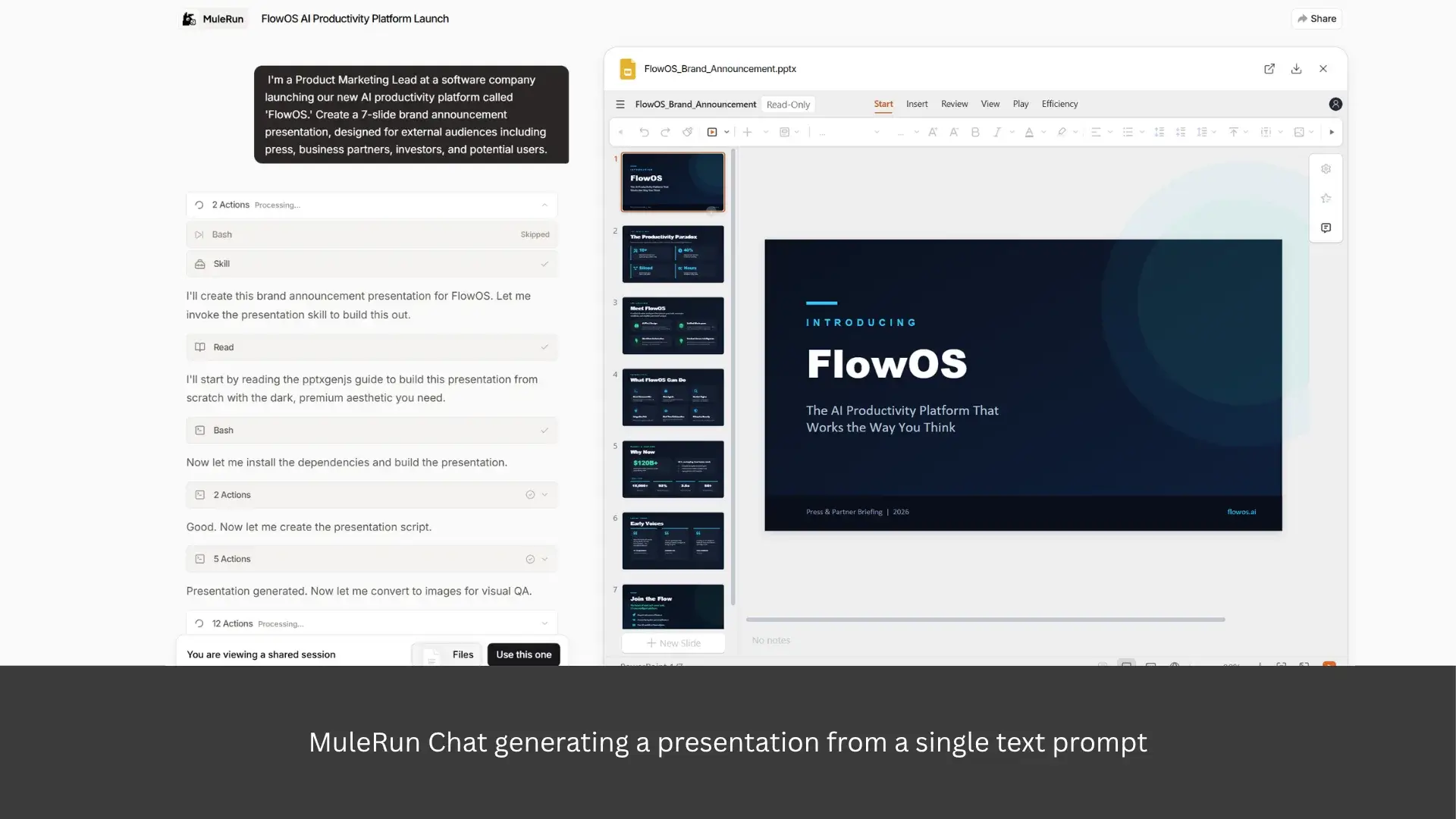
A product marketing lead typed one prompt and MuleRun Chat produced a 7-slide brand announcement presentation designed for press, partners, investors, and potential users. The result includes a .pptx file, a PDF export, and individual slide images.
View the Brand Announcement Deck result to see the full conversation and output. Try the Brand Announcement Deck template to build your own.
Academic Lecture Presentation Builder
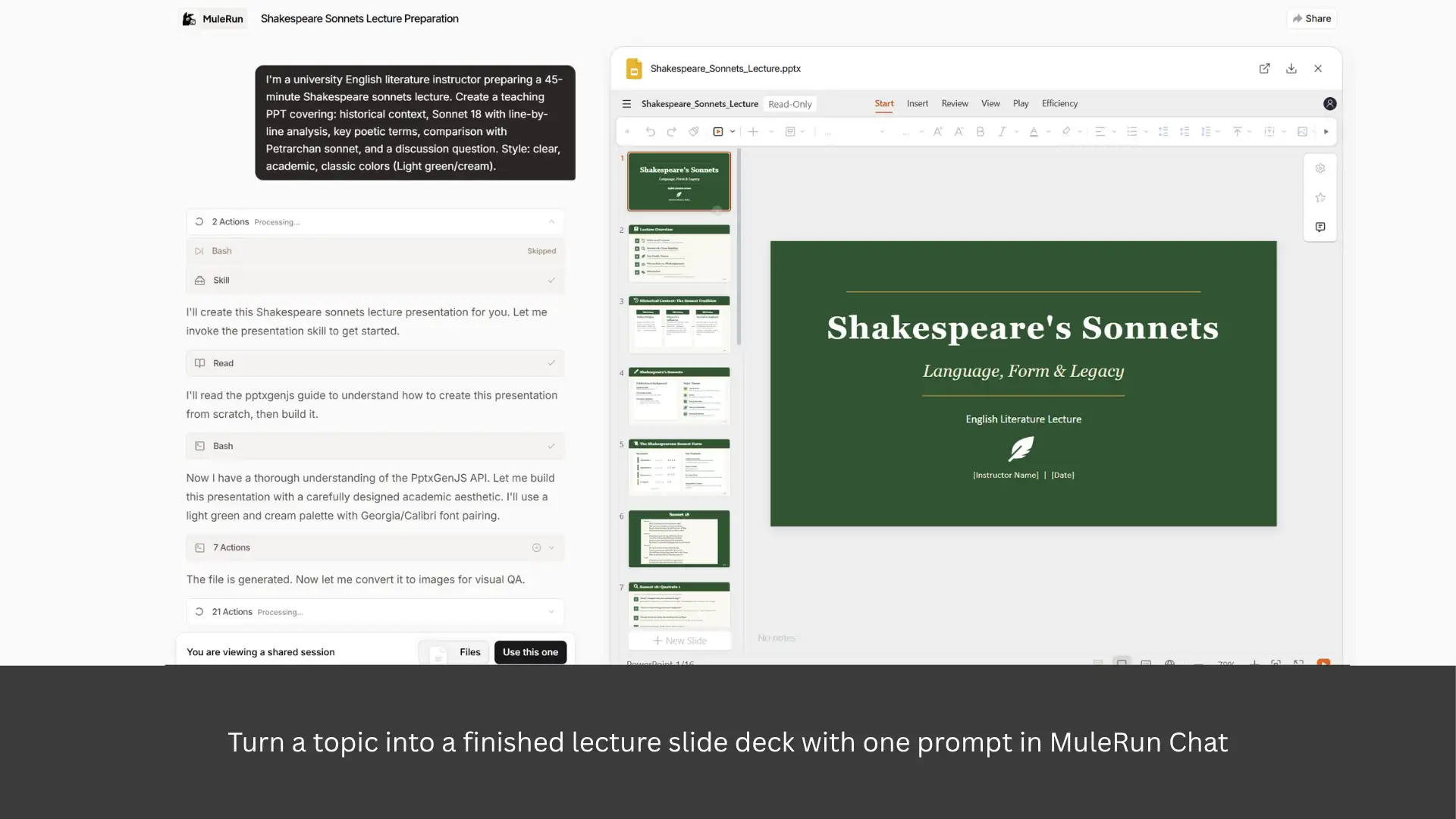
This template generates a 45-minute teaching presentation on Shakespeare’s Sonnet 18 for college poetry students. MuleRun Chat structures the content with proper pacing, concept progression, and a recap quiz at the end. Swap in your own subject and learning objectives to make it yours.
View the Academic Lecture result to see the conversation and output files. Try the Academic Lecture template to create a lecture deck for your own course.
What Other Presentations To Generate With AI
Templates are a fast starting point, but MuleRun Chat works just as well with your own prompts. Describe what you need and it builds the deck. Here are three other use cases with sample prompts you can copy into the chat right now.
Business Pitch Deck
Pitch decks follow a predictable structure: problem, solution, market, traction, team, ask. MuleRun Chat knows this flow and writes the actual slide content, not just a layout you fill in manually.
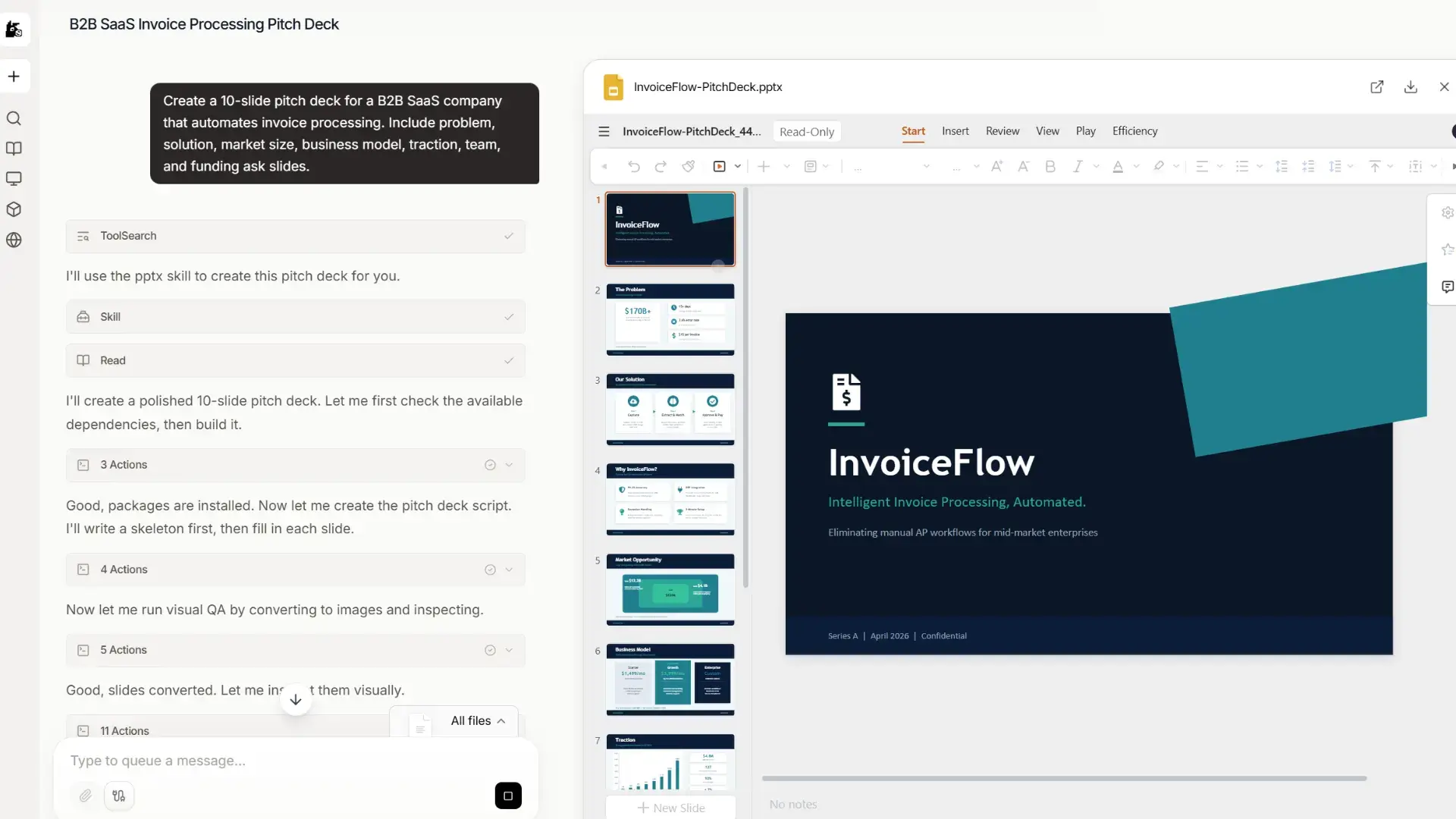
Sample prompt: “Create a 10-slide pitch deck for a B2B SaaS company that automates invoice processing. Include problem, solution, market size, business model, traction, team, and funding ask slides.”
Team Meeting Slides
Weekly standups, sprint reviews, project updates, quarterly business reviews. These meetings need slides, but nobody wants to spend an hour building them. Describe your update in plain language and MuleRun Chat returns a structured deck.
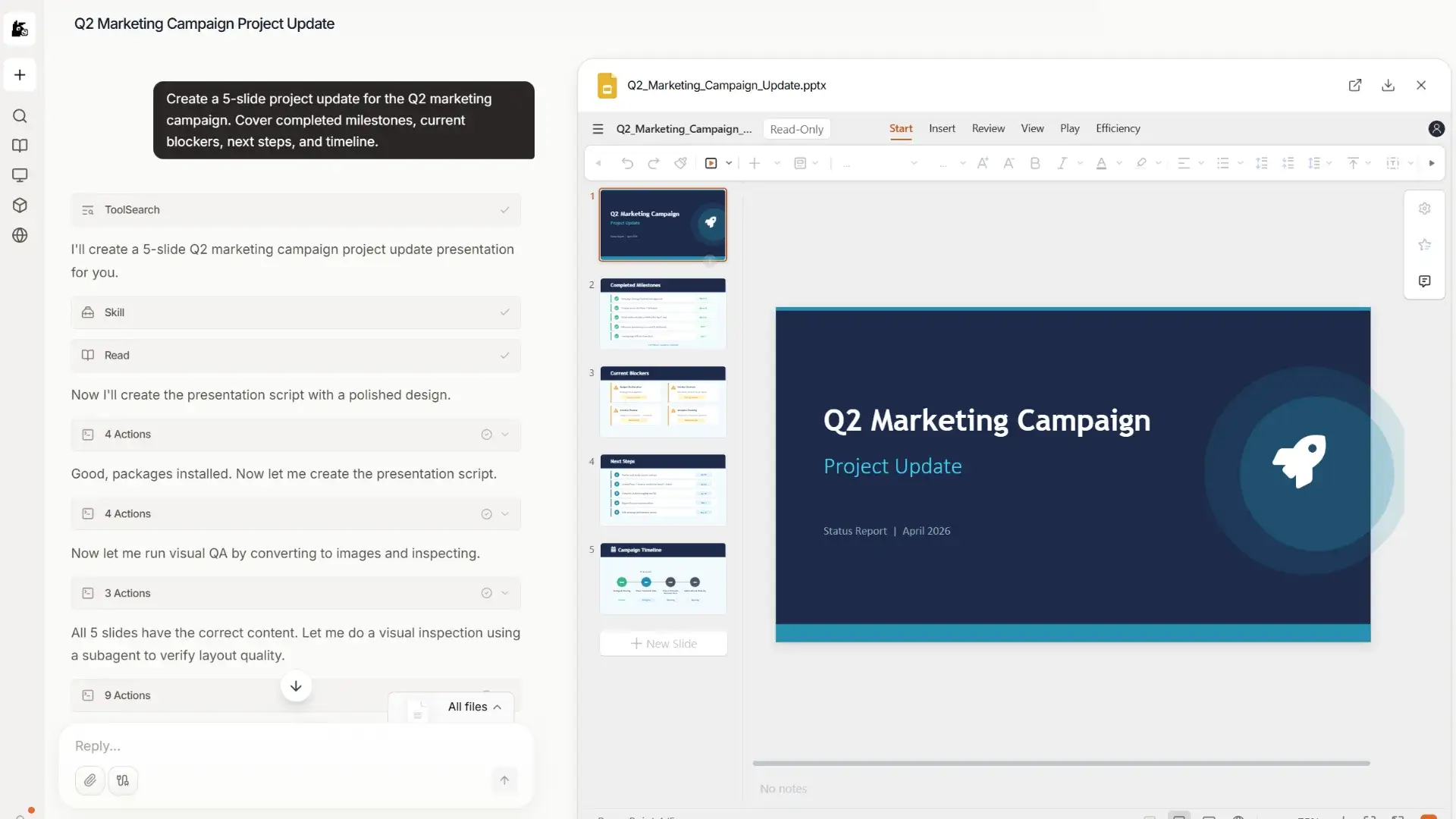
Sample prompt: “Create a 5-slide project update for the Q2 marketing campaign. Cover completed milestones, current blockers, next steps, and timeline.”
Research Presentation
Text prompts are the fastest way to start, but MuleRun Chat also accepts file uploads. Drop a Word document, research paper, or quarterly report directly into the conversation, and it reads the content and converts it into a structured slide deck. You skip the copy-paste-and-reformat cycle entirely.

Sample prompt: “I’ve attached our research report. Turn it into a 5-slide executive summary presentation with the problem statement, research questions, findings, conclusion and limitations.”
How To Get Started With MuleRun
MuleRun Chat is free to try. Sign up and start a new conversation.
Describe the presentation you want, or upload a file if the content is already written. You can pick a template from the library, or just write a short prompt in your own words. We’ll handle the rest. Review the structured deck, download, tweak, and present right away.