What Is the AI Crayon Drawing Trend?
The crayon drawing AI trend turns any photo into art that looks like a talented 10-year-old made it with a box of Crayola crayons. You upload a selfie, a pet photo, or a landscape, and the AI redraws it with wobbly lines, colors that go outside the lines, and a bright yellow sun with a smiley face in the corner.
The trend took off on Instagram and X, running parallel to the MS Paint AI trend but with a warmer, more nostalgic aesthetic. Where MS Paint drawings look intentionally terrible, crayon drawings look intentionally charming. The imperfections feel like a child’s genuine effort rather than digital chaos.
People share the results because they trigger nostalgia. A crayon drawing version of your face looks like something you might find in a shoebox of childhood art. That emotional hook makes the format shareable in a way that polished AI art never is.
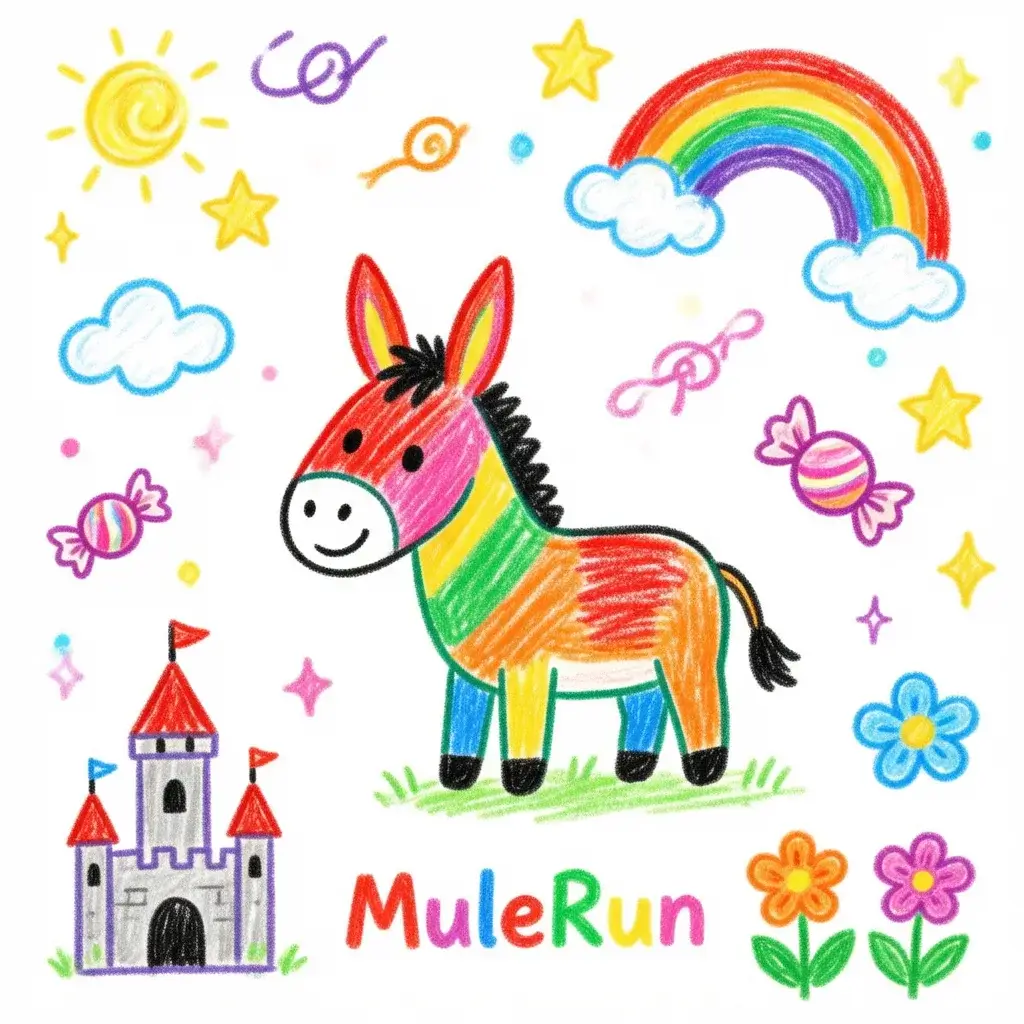
How Do You Turn a Photo into a Crayon Drawing with AI?
The process takes about 15 seconds:
- Open the Crayon Drawing template in MuleRun Chat
- Upload any photo
- The template redraws your image as a crayon illustration on lined notebook paper with childlike handwriting, uneven coloring, and hand-drawn labels
- Download or screenshot the result
The prompt asks the AI to redraw the photo “as if a 7-year-old drew it with crayons on lined notebook paper” with “wobbly uneven lines, imperfect coloring that goes outside the lines, misspelled labels with a child’s handwriting pointing to things in the image.”
The misspelled labels are what make the outputs go viral. The AI adds arrows and handwritten notes like “thiss is my dogg” or “prety flouwer” that look exactly like a child’s annotation. Each image comes out unique because the AI interprets the labeling differently every time.
What Types of Photos Make the Best Crayon Drawings?
Some subjects translate to the crayon drawing style better than others:
- Pets: dogs and cats rendered in crayon with misspelled labels (“gud boy,” “my catt”) produce the most shareable results
- Selfies and portraits: the AI simplifies facial features into round heads, dot eyes, and big smiles that are immediately recognizable but charmingly simplified
- Food photos: elaborate meals reduced to crayon scribbles with labels like “yummy spageti” create strong contrast humor
- Landscapes and travel photos: mountains, beaches, and cityscapes get the smiley-face sun treatment with clouds that look like cotton balls
Avoid photos with too many small details. The crayon style works best when the AI has a clear focal subject to simplify. A photo of one dog produces better results than a photo of a crowded street.
Can You Customize the Crayon Art Style?
The base prompt produces standard crayon-on-notebook-paper output. You can modify it for different variations:
- “Use only red and blue crayons”: limits the palette for a more dramatic look
- “Draw it on construction paper instead of notebook paper”: changes the background texture
- “Make it look like a crayon drawing submitted as homework with a teacher’s grade in the corner”: adds a red “A+” or smiley face sticker
- “Draw it in the style of a refrigerator-worthy masterpiece”: the AI adds a hand-drawn frame and magnet
MuleRun Chat lets you swap prompts without re-uploading the photo. Generate multiple crayon drawing variations from the same image and pick the funniest one to post.
Turn Your Photos into Crayon Drawings
Sign up for free credits and open the Crayon Drawing template in MuleRun Chat to get your AI crayon art in seconds.
See more use cases.
Frequently Asked Questions
Is the crayon drawing AI generator free?
Yes. Open the template in MuleRun Chat, upload a photo, and get your crayon art at no cost.
Does it work with any photo?
Yes. Pets, selfies, food, landscapes, and group photos all produce results. Simple compositions with clear subjects work best.
Why does the AI add misspelled labels?
The prompt instructs the AI to add childlike handwriting with intentional misspellings. This mimics how a young child would label their artwork.
Can I remove the notebook paper background?
Yes. Modify the prompt to specify a different background like construction paper, plain white, or cardboard.
How is this different from the MS Paint AI trend?
MS Paint drawings look intentionally terrible with pixel-level chaos. Crayon drawings look intentionally charming with warm colors, wobbly lines, and nostalgic notebook-paper texture.